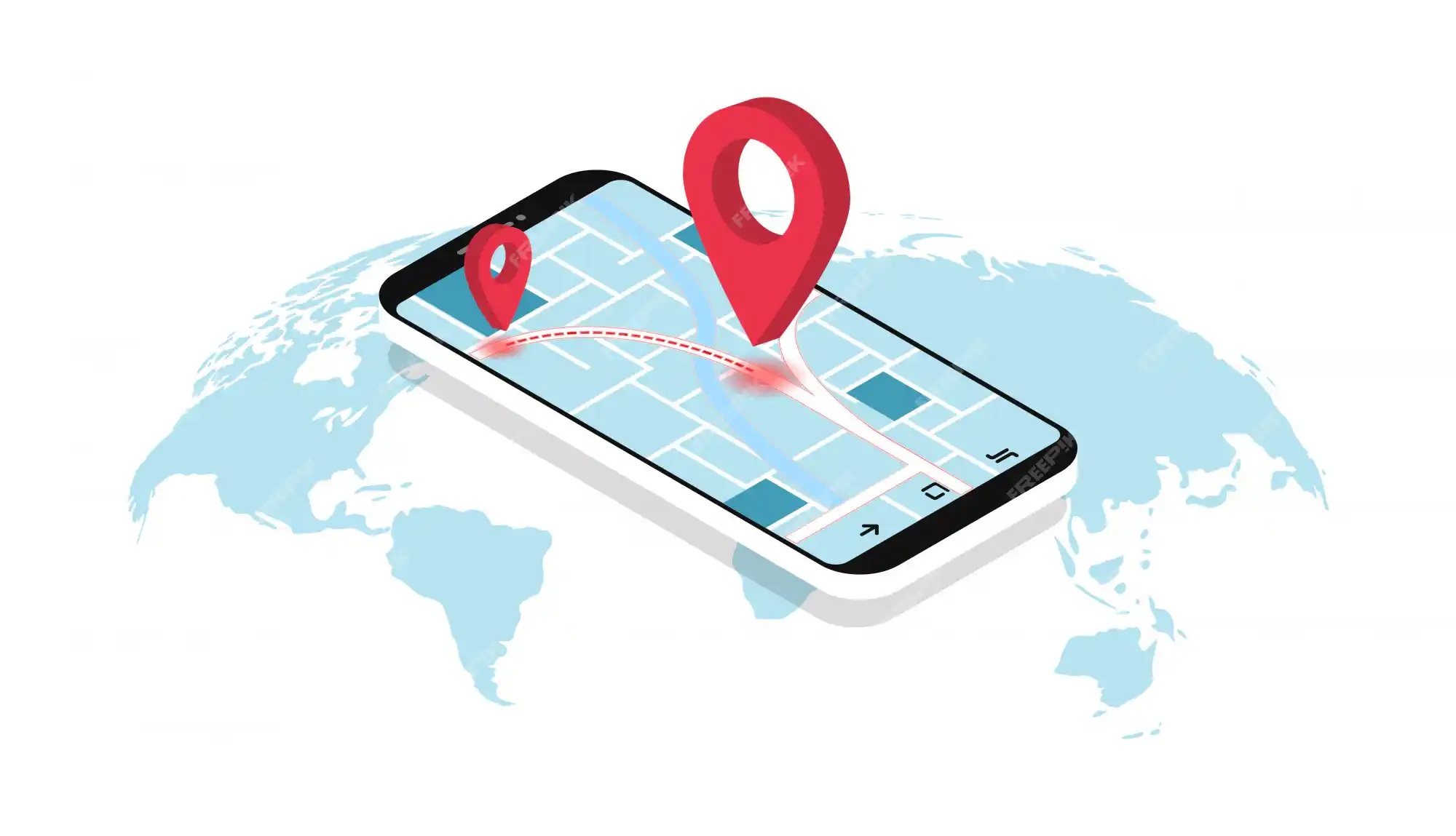
In a context where users increasingly rely on smartphones and search for everything "near me" on Google, appearing prominently on Google Maps has become vital for small businesses, shops, restaurants, cafes or local service units. Your potential customers are right nearby, and Google Maps is the "bridge" for them to find you. However, not everyone knows how to put a business location on Google Maps or put a business on Google maps and how to increase rankings, especially the goal of to the top 3 of Google Maps fastest.
If you are wondering how to get a small business to the top of Google Maps effectively and for free, this article is for you. Tan Phat Digital, an expert in the field of Ho Chi Minh website design and Local SEO, will guide you in detail from A to Z how to SEO Google Maps and optimize Google Business Profile to increase visibility on Google Maps quickly and sustainably.
Part 1: Is Google Maps Important for Small Businesses No?
The answer is EXTREMELY important! Google Maps is no longer just a mapping app. It is the world's most powerful local search engine.
“Near me” search behavior is increasingly popular: When users need to find a product or service immediately, they often add "near me", "where", or an area name to the search query (e.g. "near pho restaurant", "phone repair shop District 1"). These searches often have very high purchase intent.
Google prioritizes displaying local results: For queries with a geographic element, Google often displays a "Local Pack" – a special results box on the first page, including 3 local businesses along with a map. Appearing in the top 3 is the golden goal of every local business to get to the top of Google Maps.
Benefits of appearing in the top 3 of Google Maps:
Increase the number of customers visiting: The top 3 position displayed prominently helps attract the attention of nearby users, leading directly to them visiting your store
Increase calls and messages: Users can call or text businesses directly from search results on Maps.
Increase website traffic: Google Business Profile allows displaying links to your website, attracting users to learn more.
Build credibility: Appear on Google Maps and have many reviews Actively helps build trust with customers.
For small businesses and stores, effective google maps for small businesses is not only a marketing tool, but an indispensable direct sales channel.
Part 2: How to Register and Verify a Business on Google Maps
The first step to listing an address The point of a business entering Google Maps is to create and verify a Google Business Profile (formerly Google My Business). This free Google Maps registration for business process is completely free and not too complicated.
Go to Google Business Profile: Open a browser and go to the official Google Business Profile website ().
Sign in with a Google account: Use the Google account with which you want to manage the business profile.
Add business your business: Click "Manage now" or "Add your business to Google." Enter the business name.
Enter basic information:
Business name: Enter the exact name.
Business type: Retail, service area, or online.
Address: Enter the exact physical address of the store/office. If you're a service business without a store (for example, a home repair service), you can choose to show your service area instead of a specific address.
Service area (if applicable): If you serve customers in a certain area, enter the cities and districts you serve.
Business category: Select the category that best describes your business (for example, "Coffee shop", "Men's clothing store", "Web design company"). Select a subcategory if necessary.
Phone Number and Website: Enter your primary contact phone number and website address (very important for SEO).
Choose a verification method: Google needs to verify that you are the legal owner of the business in that location. Common verification methods include:
By mail: Google sends a postcard containing a verification code to your business address (most common). It takes a few days to a few weeks to receive.
By phone: If eligible, Google may call or send a text with a verification code.
By email: If eligible, Google sends a verification code via email linked to the business profile.
Instant Verification: For certain businesses that are already verified via Google Search Console, can be verified instantly.
Bulk Verification: For businesses with 10 or more locations.
Enter verification code: Once you receive the code, sign back into your Google Business Profile and enter the code to complete the process how to verify your business on Google Maps.
Completing verification is the foundational step for you to control and optimize your Google Business Profile.
Part 3: Optimize Google Business Profile to Increase Ranking
After verification, the next step is to optimize Google Business Profile comprehensively. The more complete, accurate and attractive your profile is, the higher your chances of increasing your visibility on Google Maps quickly. Here's what you need to do:
Complete all information fields: Don't leave any fields blank!
Hours of operation: Update accurate opening, closing hours, special hours on holidays.
Business description: Write a compelling description, introducing the business, products/services and Use relevant keywords (including local keywords) naturally.
Categories: Make sure your primary and secondary categories best reflect your business.
Products and Services: List the details of the products and services you offer, with images and descriptions.
Attributes (Attributes): Add special attributes about your business (e.g. Wi-Fi, outdoor seating, wheelchair friendly...).
Photos and videos: Upload high-quality images of your store (front, interior), team, products, services, work atmosphere... Google highly encourages this.
Encourage and Reviews management:Customer reviews are one of the most important factors influencing rankings on Maps.
Actively encourage satisfied customers to leave reviews on Google (can use a QR code that links directly to the review page).
Respond to all reviews, both positive and negative, in a professional and timely manner time.
Use the Q&A feature: Answer common questions customers may have about your business.
Posts: Use the Posts feature in GBP to share business updates, promotions, new products, events... This keeps your profile active more.
Add links to your website and menu/order (if applicable): Make sure these links work well.
Completely implementing these Google Business Profile optimization guidelines is the most effective free Google Maps optimization tips you can do yourself.
Part 4: Factors that Affect Ranking Rank On Google Maps
Google uses three main factors to determine a business's ranking on Google Maps for a specific search query:
Relevance:How well your Google Business Profile matches a user's search query. Filling out all the information, choosing the right category, writing a detailed description, and using relevant keywords helps increase relevance.
For example: If a user searches for "good pho restaurant District 1", a profile whose main category is "Pho restaurant", a description with the phrases "delicious pho", "District 1" will have high relevance.
Approx. Distance:How far your business is from the search user's location. Google will prioritize nearby businesses. (This factor is difficult for you to control, but optimizing other factors helps you show up even when you are not nearby).
Prominence: The level of popularity and reputation of the business on the internet. This factor includes:
The quantity and quality of reviews on Google Maps.
Your website's ranking in organic search results. A strong, reputable website helps a strong GBP profile.
The number of citations on other online directories (consistency of Name, Address, Phone Number - NAP).
Activity on other channels (articles, social networks...).
Understanding these factors helps you knowhow to improve rankings on Google Maps and how to display on Google Maps effectively.
Part 5: Effective Free Google Maps SEO Tips for Small Businesses
In addition to fully optimizing Google Business Profile, there are many other free Google Maps optimization tips that small businesses can apply to increase ranking rank:
Focus on local keywords: When writing content on your website, blog, or social media posts, actively use keywords associated with locality (for example: "fresh flower shop in Ho Chi Minh City", "air conditioner repair service in District 2").
Build consistent citations: Register business information (NAP: Name, Address, Phone Number) on as many reputable online directories as possible (Yellow Pages, industry directories, local review sites...). Make sure this NAP information is completely consistent everywhere.
Embed Google Maps on your website: Place a Google Maps map showing your business location on your contact page or website homepage. This helps Google validate business locations and increase relevance.
Encourage reviews and feedback: Actively ask satisfied customers to leave 5-star reviews on Google Maps. The number of reviews and the quality of the average score strongly influence the level of notability. Respond sincerely to both good and bad reviews.
Optimize the main website for Local SEO: Your website needs to be optimized for local keywords, have a contact page with clear NAP information, fast page loading speed and mobile friendly (Ho Chi Minh website design SEO standards are very important).
Create local content Local: Write blogs or website articles about local events, regional news, or topics related to your location.
Be active on social media: Maintain a presence on your social media channels and link back to your website and GBP.
Add Geotagged photos: When uploading photos to GBP or your website, make sure they are tagged Geotag (Geotagged) points to the exact location of your business.
Combining these Google Maps SEO for small businesses will help you significantly improve how to improve rankings on Google Maps. The goal is to get to the top 3 of Google Maps as quickly as possible.
Part 6: Ton Phat Digital – Supporting Businesses to Get to the Top of Google Maps & Synchronized Website Design
Optimizing Google Maps for small stores or small businesses requires an understanding of ranking factors and a continuous optimization process. For busy business owners, this can be time-consuming and laborious.
Tan Phat Digital is an expert in the field of Local SEO for small and medium enterprises. We provide comprehensive Local SEO optimization services, helping your business:
Register and verify your Google Business Profile accurately and quickly.
Optimize your GBP profile professionally:Write attractive descriptions, choose optimal categories, upload quality photos/videos, manage reviews...
Build Build consistent Citations on dozens, hundreds of reputable directories.
Strategic consulting and implementation of building quality local backlinks.
Support putting business locations on Google Maps and maintain presence.
In particular, we provide website design services at Tan Phat Digital SEO standards and synchronized with Local SEO strategy. The website designed by us at ho Chi Minh website design ensures:
Google Maps integration and clear NAP information.
Optimized speed, mobile-friendly, SEO standard structure supports improving website authority, thereby positively affecting GBP rankings.
Solid foundation to You deploy local content and other SEO strategies.
Choosing professional web design services in HCM and high quality cheap website making services at Tan Phat Digital, you are investing in a comprehensive solution, helping your business not only appear on Google Maps but also stand out in the entire online environment.
Appear on Google Maps not only increases credibility but also brings in leads quickly.
Google Maps is a customer "gold mine" for small businesses and local stores. By applying Google Maps SEO effectively and optimizing Google Business Profile methodically, you can completely show up on Google Maps in the top positions, attracting customers right near you.
👉 Contact Tan Phat Digital for support in bringing your business to the top 3 of Google Maps quickly and sustainably! We provide in-depth Google Maps optimization solutions and synchronous SEO standard website design, helping your business break through in revenue from local search channels.
📞 Hotline: 0374225294 to receive free consultation on local SEO for small and medium enterprises.
🌐 Website: to learn more about website design services at Tan Phat Digital and other digital solutions.
Share