What Clawdbot Really Is
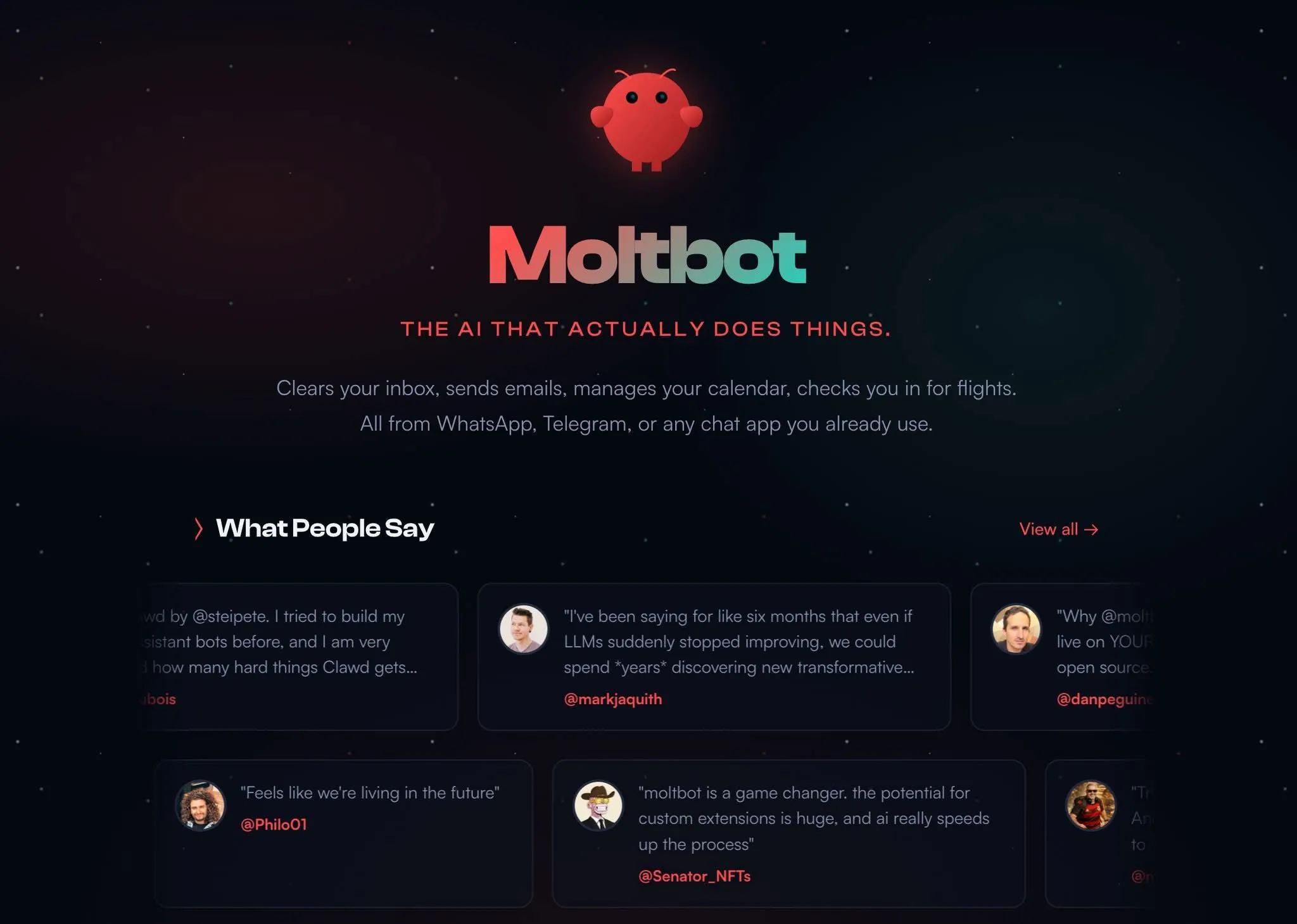
From an expert perspective from Tan Phat Digital, forget about complicated technical terms. Clawdbot (now renamed Moltbot) is Claude but with additional "arms and legs". While Claude normally just stops at answering questions, Moltbot can actually execute those answers on your computer: installing software, running scripts, managing files, monitoring websites or sending emails. All through simple text commands from WhatsApp, Telegram or iMessage.
This is what Tan Phat Digital calls "autonomous AI". It doesn't just answer the question, it gets the job done.
Why People Are "Crazy" About It
According to Tan Phat Digital's observations, the tech community is abuzz with seemingly unimaginable possibilities: cleaning up 10,000 emails in one night, building an entire website via Telegram while watching a movie, or automating 80% of work in just 48 hours. hour. What sets it apart include:
Runs locally on your computer: Not in the cloud, Moltbot has direct access to your files, apps and personal data with the ultimate privacy.
Control from anywhere: You can command via WhatsApp from your phone, Telegram from your iPad or iMessage from your watch without being tied down tethered to the browser.
Use any application: From browser, Terminal to specialized applications, if you can do it manually, Moltbot is capable of doing it autonomously.
Build your own tools: Moltbot can code, install and start using a new "skill" after just a few minutes of instruction guide.
Comparative Features: Traditional Cloud AI vs Moltbot
Tan Phat Digital has performed a comparative analysis to clarify the differences between the two models:
Operating Environment:
Cloud AI: Vendor Servers (Cloud).
Moltbot: Local/Self-hosted.
Proactive:
Cloud AI: Reactive (Only responds when asked).
Moltbot: Proactive (Message the user in advance via the mechanism Heartbeat) Third.
Moltbot: Data sovereignty completely belongs to the user.
Interface:
Cloud AI: Web App or specialized application.
Moltbot: Popular messaging application (WhatsApp, Telegram, Slack).
Antique Three-Layer System Architecture
The Moltbot system is built on a central Gateway that executes tasks on the computer. Tan Phat Digital analyzes this architecture into three parts:
Messaging Gateway Layer: Receives requests from messaging platforms such as WhatsApp (via Baileys protocol), Telegram (Bot API), iMessage or Discord.
Agent Core Layer: Routes requests to models like Claude (API of Anthropic), manages dialogue context and persistent memory (saved as Markdown).
Execution Environment: Directly manipulates files, executes Terminal commands, and controls the browser on the user's computer.
What Works Immediately vs What Needs Construction
This is the part that Tan Phat Digital wants users to pay careful attention to avoid false expectations:
LEVEL 1: Ready to use (Installs in minutes)
File management: Organize Downloads folder, search PDF files by time, backup documents.
Basic research: Summarize content from article URLs, search for new news on a topic.
Read calendar/email: Check the day's schedule, search emails by keywords (needs CLI access).
adjustments.Trading automation: Monitor real-time market prices and send alerts when there are fluctuations.
Social media automation: Cross-platform posting and interaction tracking (however Tan Phat Digital suggests using specialized tools such as Postly.ai for this purpose).
Complex programming projects: Build full applications or manage GitHub repositories automatically.
Mac Mini Phenomenon and Hardware Infrastructure
The Moltbot boom has led to an interesting phenomenon that Tan Phat Digital notes: Apple Mac Mini sales skyrocketed. The reasons this device is popular include:
Power consumption: Extremely low, ideal for running as an assistant 24/7 without worrying about wasting electricity.
Noise level: Operates almost completely silent, does not affect the living space.
Stability: macOS provides a stable environment for background services and integrates well with iMessage.
AI performance: Apple Silicon chip has a powerful Neural Engine, good support for local models.
Cost: It is the cheapest Apple computer, easily accessible for personal AI server purposes.
Security and Privacy: The Solution Sandbox
Granting system access to AI is a double-edged sword. Tan Phat Digital recommends that users clearly understand the Sandbox modes:
"off" mode: AI runs directly on the device - Very dangerous, not recommended.
"non-main" mode: Isolates sessions from WhatsApp/Telegram but allows the main Terminal to run freely - Recommended use app.
"all" mode: All interactions run in a Docker container - Most secure but with latency.
Folder access (workspaceAccess): Options range from "none" (file not seen), "ro" (read only) to "rw" (read and write).
Actual Installation Procedure Te
To get started, Tan Phat Digital guides you through the basic steps:
Installing the software: Use the command
npm install -g moltbot@latestto install the application to the global system.Start the wizard: Run
moltbot onboard. This process will guide you through selecting a model provider, entering an API key, and configuring communication channels.Install Daemon: Use the
--install-daemonflag to automatically run the system in the background as a system service, ensuring the assistant is always available even after reboots.Channel authentication: For WhatsApp, you will scan the QR code in Terminal to link devices.
Frequently Asked Questions (FAQs)
Why did Clawdbot change its name to Moltbot? The project was forced to change its name on January 27, 2026 due to copyright requests from Anthropic, because the name "Clawd" was too similar to "Claude". "Molt" (transformation) symbolizes the outstanding development of this assistant.
How much does it cost to use Moltbot?The software itself is free and open source. However, you need to pay API fees to model providers (like Anthropic or OpenAI). Actual costs usually range from $15 to $50 per month for personal needs.
Can I run Moltbot with free or local AI models? Yes. Moltbot supports models that run locally through Ollama or LM Studio, helping you save on API costs and increase privacy.
Is Moltbot safe when granting computer access rights? Granting "root" rights to AI poses the risk of being attacked through "prompt injection". Tan Phat Digital strongly recommends that you enable Sandbox (Docker) mode to isolate sensitive tasks.
What is the "Heartbeat" feature? This is the engine that helps Moltbot become proactive. It allows AI to automatically check conditions (such as stock prices, server errors) and text you notifications without you having to ask first.
Does Moltbot support Zalo? Yes, Moltbot supports integration of Zalo and Zalo Personal through expanded channels, allowing Vietnamese users to interact more conveniently.
Do I have to buy a Mac Mini to use Moltbot? Not required. You can run it on any Windows computer (via WSL2), Linux or a cheap virtual server (VPS).
How many messaging applications does Moltbot support? The system supports more than 50 different platforms, including WhatsApp, Telegram, iMessage, Slack, Discord and Signal.
How to add new features to Moltbot? You can Install "Skills" from the ClawdHub/MoltHub community library with over 565 available skills or write your own new skills in code.
How long does it take to install a Moltbot assistant? For users familiar with the command line, this process takes about 5-30 minutes. It may take new users 1-2 hours to complete the configuration and connect messaging channels.
Moltbot is not magic, it is a powerful tool that requires an investment of time to set up and fine-tune. However, it represents a fundamental shift: from assistive AI to action AI. Those who start getting acquainted with autonomous agents now will have a huge advantage in the future of work.
Tan Phat Digital believes that in the next few years, owning an autonomous AI assistant running on personal hardware will become the new standard of labor productivity.
Share