If you are wondering how to make images on your website both beautiful, lightweight, and optimized for SEO, you have come to the right place. Join Tan Phat Digital to discover image optimization techniques that help improve page loading speed and increase Google rankings dramatically. This is the Image Optimization Guide that every website owner needs to know!
Why do images affect website speed and SEO?
Images play an important role in attracting attention and conveying messages on the website. However, if not properly optimized, they can become a big "burden", negatively affecting the performance and ranking of your website.
2.1. Images take up the majority of website space
In fact, images are often the element that takes up the largest space on a website. An uncompressed, high-resolution photo can weigh several megabytes, while the entire text content of a page is only a few dozen kilobytes. When a website has many unoptimized images, the total page capacity will skyrocket, resulting in significantly longer page load times.
2.2. Google considers loading speed when ranking
Google has repeatedly confirmed that page loading speed is an important factor in their ranking algorithm, especially on mobile devices. Updates like Core Web Vitals further emphasize the importance of user experience and speed. A slow website not only annoys users but is also considered unfriendly by Google, leading to a decrease in search rankings. To increase Google rankings, Guidelines for increasing website speed are a top priority, and image optimization is an indispensable part.
2.3. User experience (UX) is reduced if images are not compressed
Imagine you visit a website and have to wait a long time for the image to slowly appear, or worse, the image is broken and cannot be loaded. This experience will definitely make users feel uncomfortable and leave. High bounce rate and low time spent on the page are negative signals sent to Google, directly affecting SEO.
2.4. Unoptimized images = slow website, high bounce rate
A website containing suboptimal images will lead to a negative chain reaction: slow website, frustrated users, high bounce rate, and ultimately a decline in SEO rankings. On the contrary, optimizing images will significantly contribute to Guide to increasing website speed, improving UX, thereby indirectly increasing Google rankings.
7 important factors when optimizing images for SEO
For images to become an SEO "asset" instead of a "burden", you need to implement the following 7 important factors after Optimizing images for SEO SEO:
3.1. Choose the appropriate image format: JPG, PNG, WebP
Each image format has its own advantages and disadvantages:
JPG (JPEG): Ideal for photos with lots of color and detail (product photos, photos of people/scenes). Compression is good but may lose some quality with too much compression.
PNG: Suitable for images with transparent backgrounds (logos, icons, graphics). Quality is not lost when compressed, but the capacity is often larger than JPG.
WebP: New generation image format developed by Google. Provides similar quality to JPG/PNG but significantly smaller capacity (usually 25-34% lighter). This is the most optimal choice for website speed and is encouraged by Google.
3.2. The image size needs to be at the correct display ratio, avoid images that are too large
Do not upload a photo with original dimensions of 5000x3000px and then only display it at 500x300px on the website. This wastes bandwidth and load times. Adjust the image size to the correct ratio that it will display on the website (for example, using Photoshop, online photo editing tools). Always make sure you use responsive images so they display optimally on all devices.
3.3. Use image compression tools without losing quality
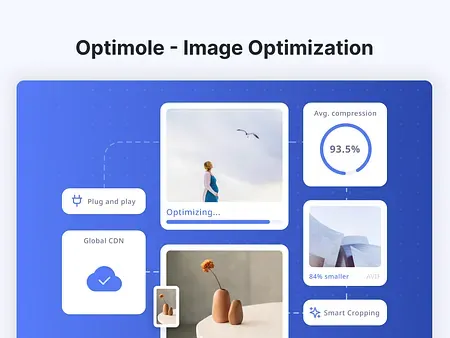
Image compression is the most important step to reduce file size. Smart image compression tools can reduce image size by up to 70-80% without significantly reducing display image quality.
Suggested tools:
TinyPNG / TinyJPG: Free, extremely effective online image compression.
ImageOptim (macOS), FileOptimizer (Windows): Offline tool to batch compress images.
Squoosh (by Google): Powerful online image compression and format conversion tool, supporting WebP.
3.4. Naming image files according to SEO standards
Image file names are an important SEO signal that many people ignore. Please name the image file containing relevant keywords, separated by hyphens (-).
For example: Instead of
IMG00123.jpg, name itthiet-ke-website-ho-chi-minh.jpgordich-vu-lam-website-gia-re.jpg. This helps Google understand the content of the image and associate it with search queries.
3.5. Optimize ALT tags to properly describe image content
ALT tags (Alternative Text) are alternative text that displays when an image fails to load, or is used by screen readers for the visually impaired. This is one of the most important image SEO factors:
Accurate description: ALT tags must describe the content of the image accurately.
Keyword insertion: Should contain relevant keywords, but not stuffing.
Example: For photos about website design Ho Chi Minh services, tags ALT can be
"SEO standard website design for businesses in Ho Chi Minh"instead of"website image".
3.6. Use lazy loading so images don't load all at once
Lazy loading is a technique that loads images only when the user scrolls to their location on the screen. This helps:
Reduce initial page load time: The website will load faster because there is no need to load all the images at once.
Save bandwidth: Especially useful for mobile users with slow connections.
Most modern CMS platforms (WordPress 5.5+) have built-in lazy loading by default determination.
3.7. Use CDN if traffic volume is large
CDN (Content Delivery Network) is a network of servers distributed globally. When users visit your website, images will be loaded from the CDN server closest to their location, reducing latency and increasing loading speed. This is especially useful for websites with a large amount of traffic from many different geographical areas.
Tools to support image optimization for SEO
To make Optimizing images for SEO easier, there are many useful tools you can use:
TinyPNG / CompressJPEG: Free, easy online image compression tools easy to use, highly effective.
ImageMagick / FFmpeg: Powerful command-line tool for developers to optimize and batch convert photos/videos.
WebP Converter: Many online tools and WordPress plugins help you convert image formats to WebP.
Yoast SEO / RankMath (WordPress Plugins):These popular SEO plugins often have the feature to check if images have ALT tags, helping you manage them better.
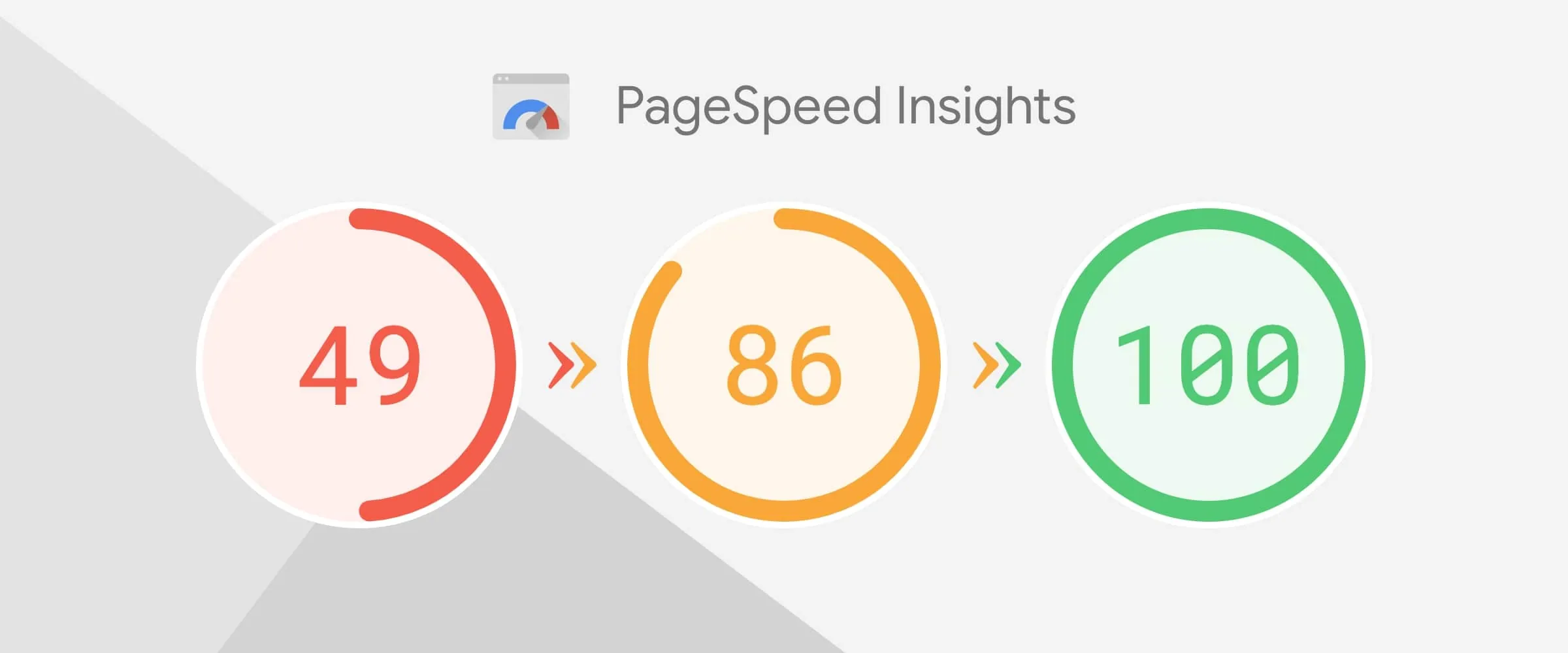
Google PageSpeed Insights: Google's free tool to measure website speed. It will show which images are slowing down the page and make optimization recommendations.
GTmetrix / Pingdom Tools: Other comprehensive website speed analysis tools, also provide detailed information on image optimization.
Image optimization in website design – Putting it into practice
TheImage optimization for SEO is not just a theory but needs to be applied consistently.
5.1. Case study: A website speeds up from 3.5s to 1.1s after image compression
Imagine an e-commerce website with thousands of products, each product has many high-quality images. Initially, this website had an average page load time of 3.5 seconds - a figure that is quite slow in the industry. After the technical team applied Image optimization for SEO measures including: converting image format to WebP, compressing capacity, and activating lazy loading, page load time was reduced to only 1.1 seconds.
- The website's bounce rate decreased from 80% to less than 40%, which means users stay on the page longer and interact more.
5.2. Conclusion: image optimization = increased speed and SEO
This case study is clear evidence that image optimization is not simply about reducing size, but is a comprehensive strategy that helps increase website speed and directly increase Google rankings. It also significantly improves user experience, a factor that Google increasingly emphasizes.
Speed and SEO standard website design service at Tan Phat Digital
To have an effective, beautiful, and especially SEO-standard website from the foundation, image optimization needs to be done right from the beginning in the Ho Chi Minh Website Design process.
Tan Phat Digital is professional web design service HCM is committed to providing outstanding website solutions:
Image optimized website from scratch: We build your website with optimal image architecture, ensuring every uploaded photo is consistent SEO friendly and speed.
Lazy load, CDN, default image compression: Advanced technologies such as lazy loading and CDN integration (if needed) are applied to ensure optimal page loading speed. The image compression process is integrated automatically or with detailed instructions.
Instructions for uploading SEO-standard images for customers are included: After completing the website, we provide detailed instructions so you can upload and optimize new images yourself in an SEO-standard way.
Beautiful interface, speed under 1.5s: We not only focus on aesthetics but also put speed on Top, committed to your website having impressive page loading speed.
With Tan Phat Digital, you receive the commitment:
✅ Beautiful, modern interface.
✅ High score on Google PageSpeed (usually 100/100 points for Core Web Vitals).
✅ Responsive standard on all devices Equipment.
✅ Free photo optimization plugin and necessary SEO support tools.
Choosing our website design service in Ho Chi Minh, especially website design service in Tan Phat Digital, means you own a solid website platform, friendly to search engines and users. We provide high-quality low-cost website making services while still ensuring outstanding performance.
Frequently Asked Questions (FAQ)
Why are light images important to Google? Light images help websites load faster. Page loading speed is one of Google's important ranking factors, directly affecting user experience and SEO effectiveness.
Does image optimization affect display quality? If you use smart image compression tools and choose the right format (like WebP), the quality of displayed images will not be significantly affected. The goal is to reduce the file size while still maintaining the sharpness needed by the user.
Is using WebP better than JPG/PNG? Yes. WebP typically provides significantly smaller file sizes (25-34%) than JPG and PNG while still maintaining similar quality. This is a format recommended by Google to optimize website speed.
What software should I use to compress images for personal blogs? For personal blogs, you can use free online tools such as TinyPNG, CompressJPEG, or Squoosh. If using WordPress, plugins like Smush, ShortPixel are also good choices.
Does your website need a separate plugin to optimize images? If you use a CMS like WordPress, image optimization plugins can be very useful. However, if the website is built by a professional team like Tan Phat Digital, image optimization is often integrated right from the website structure, minimizing dependence on plugins and ensuring the best performance.
Image optimization for SEO: Increasing website speed and Google rankings is not just a small technique but an important strategy to improve website performance and search engine rankings. It is one of the simplest yet most effective factors to improve website speed and increase Google rankings. A fast, lightweight website with optimized images will bring a great experience to users, thereby receiving favor from Google.
If you own a sales website, personal blog, or business website - start optimizing images today. Or, to get a strong start with a pre-optimized website for everything from speed to SEO, contact Tan Phat Digital. We will help you build a solid foundation for your online success.
📞 Free consultation hotline: 0374225294
🌐 Website: https://tanphatdigital.com
Share


![[2025] How Does Page Load Speed Affect SEO? Core Web Vitals Optimal Solution for Small Businesses](https://res.cloudinary.com/dtmxgrnfn/image/upload/v1744722259/tanphatdigital/oftwerrgzswmcn7yw0ii.webp)